Powered by Apple Silicon Hardware Encoding

Shrink Gigabytes into Megabytes in Seconds.

The ultimate offline video compressor for iPhone & iPad. Cut up to 90% of file size with zero visible loss in quality. Perfect for WhatsApp, Email, AirDrop, and reclaiming precious device storage.

100% Offline & Private
Supports 4K & HDR
No Cloud Uploads
iOS 17 & iOS 18 Ready
84% Reduced
1.2 GB → 190 MB
3x Faster Encoding
90%
Max File Size Reduction
100%
On-Device & Private
4K 60fps
Ultra HD Video Support
0 KB
Uploaded to External Cloud
Interactive Tool

See How Much Space You Will Save

Drag the slider to select your original video size and choose a target compression mode.

500 MB
50 MB (Quick Clip) 1 GB (4K Clip) 2 GB (Long Video)
Choose Compression Preset:

Cuts ~80% file size using advanced Apple Silicon H.265/HEVC hardware encoding.

-80% Space Saved
New Compressed File Size
100 MB
Original: 500 MB Space Saved: 400 MB
Unmatched Performance

Designed for Speed, Quality & Privacy

Engineered from the ground up for modern iOS devices with native Swift and Apple VideoToolbox.

Hardware Acceleration

Direct integration with Apple VideoToolbox and Metal. Encodes 4K and 1080p clips at hyper-speed while barely sipping battery power.

Smart Messaging Presets

Say goodbye to "File is too large" errors on WhatsApp, Telegram, or Gmail. Pick a preset and your video is guaranteed to send cleanly.

100% On-Device Privacy

Your personal videos, vacation memories, and private moments never touch a remote server or third-party cloud. Total peace of mind.

Audio Mute / Strip Option

Remove noisy background audio tracks with a single tap to shave off extra megabytes and protect confidential spoken dialogue.

Direct Photos Integration

Seamlessly access your Apple Photos Library, inspect video details before and after compression, and save or AirDrop instantly.

Flexible Pro Upgrades

Enjoy essential compression for free, or unlock unlimited conversions, custom bitrates, and lifetime access with StoreKit 2 in-app purchases.

Native Interface

Designed Exclusively for iOS

Experience an intuitive, dark-mode native interface that feels right at home on your iPhone and iPad.
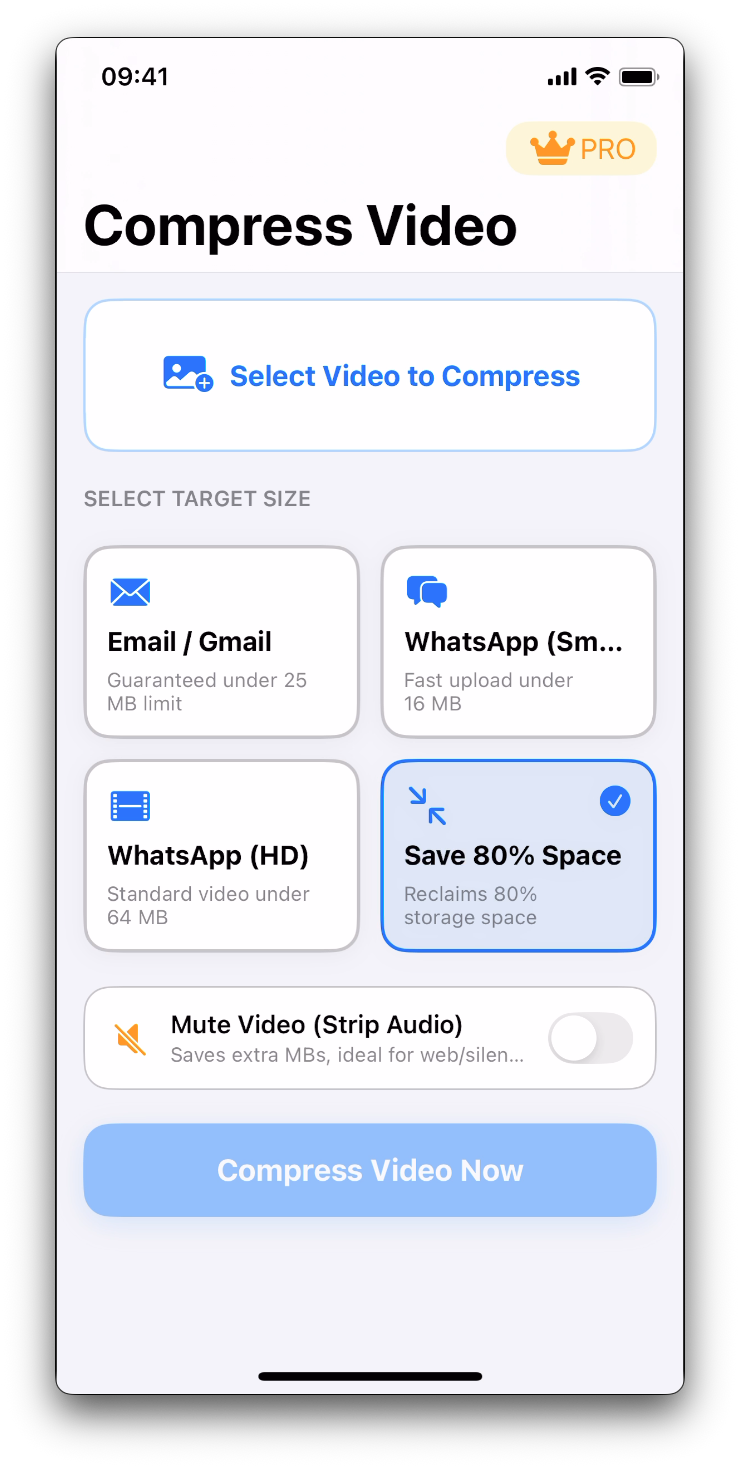
Compress Video - Select Video from Library
Pick Any Video
Instant media library access
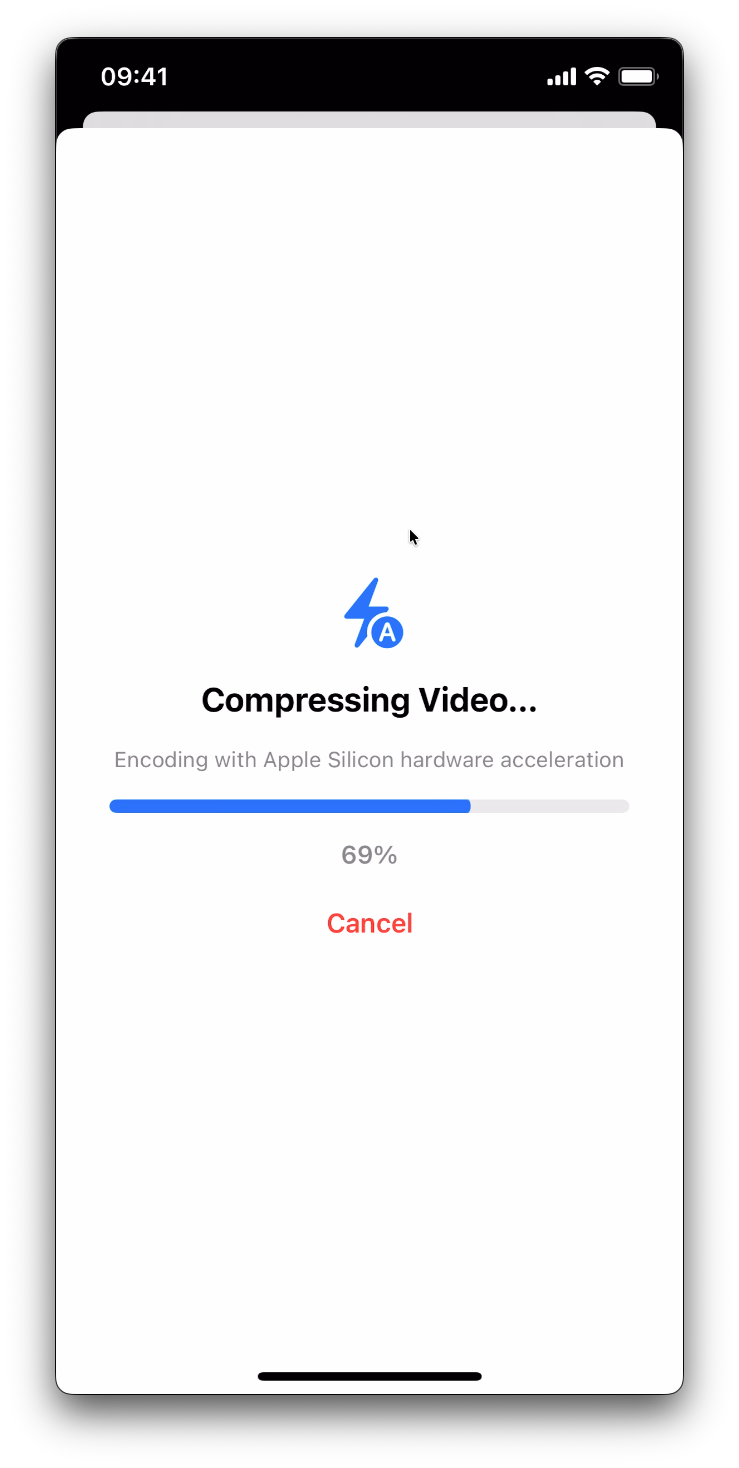
Compress Video - Choose Compression Preset
Choose Preset
WhatsApp, Email, or Custom
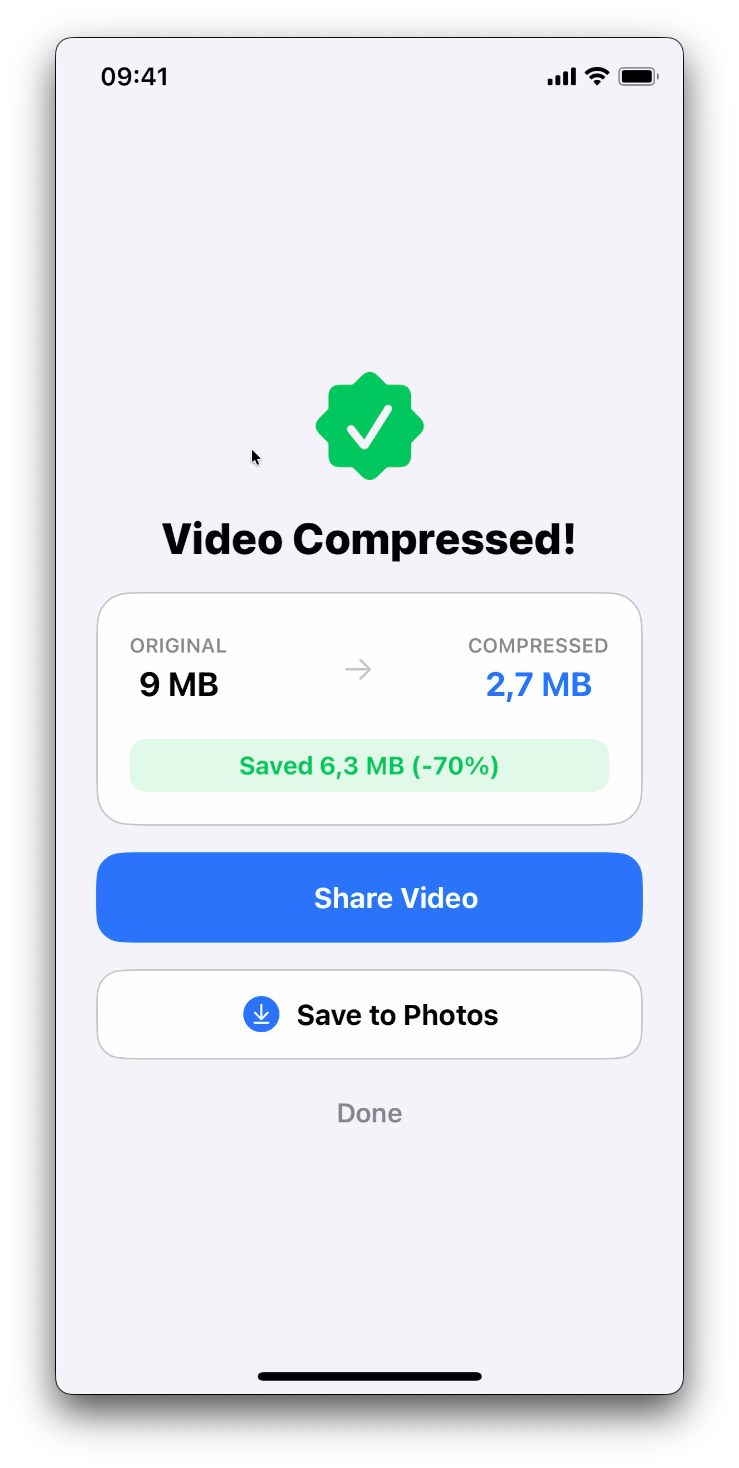
Compress Video - High Speed Hardware Compression
Ultra-Fast Processing
Real-time progress feedback
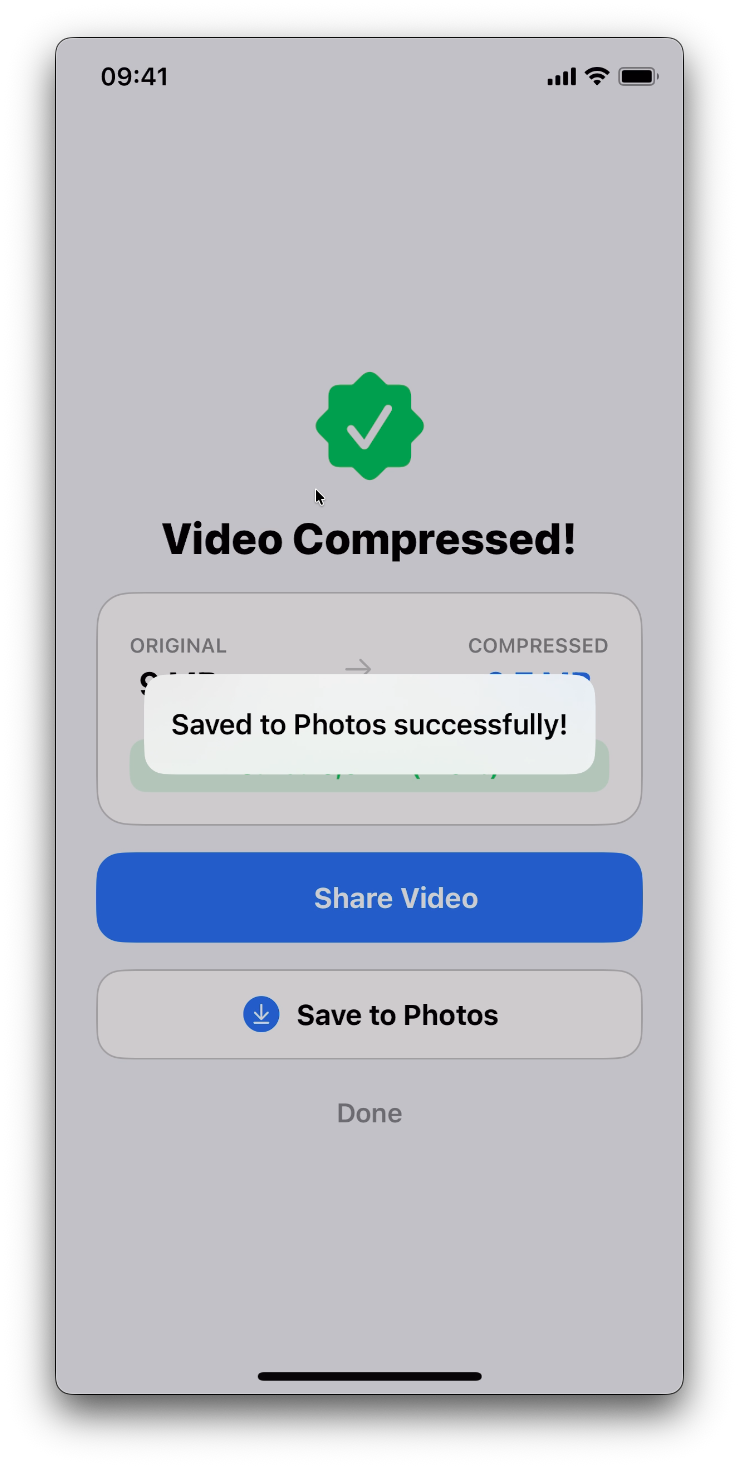
Compress Video - Instant Save and Share
Save & Share
AirDrop, Messages, or Photos

Your Videos Never Leave Your Device. Guaranteed.

Unlike web-based video compressors that force you to upload sensitive personal recordings to remote cloud servers, Compress Video runs 100% locally on your iPhone using Apple Silicon hardware.

No video data collected
No accounts or login required
Works completely offline (Airplane Mode)
Apple App Store Verified Sandboxing
Got Questions?

Frequently Asked Questions

Everything you need to know about compressing videos safely on iOS.

Never. All video compression takes place locally on your iPhone or iPad using Apple Silicon hardware encoding. No videos, metadata, or personal files are ever sent to remote servers or third parties.

Yes! The app includes dedicated one-tap presets calibrated for WhatsApp (15MB and 60MB limits) and standard email attachments (24MB cap), so you never run into size rejection errors.

Compress Video utilizes modern H.265/HEVC and H.264 codecs with variable bitrate optimization. It strips unneeded data while maintaining crisp 1080p or 4K visual fidelity, ensuring your compressed clips look great on any display.

Yes! With a single tap, you can strip the audio track entirely. This is ideal when you want to remove unwanted background noise or reduce file size even further.

No. Your original video is never touched or deleted unless you explicitly decide to remove it yourself. The compressed version is saved as a new file or shared directly via the iOS share sheet.

The app is free to download and includes daily compressions. For heavy users and creators, Pro unlocks unlimited compressions, ultra-high bitrate 4K tuning, and batch mode. Subscriptions are billed through your Apple ID (Weekly, Annual, or Lifetime) with standard Apple StoreKit protections.
Available Worldwide

Reclaim Your iPhone Storage Today

Download Compress Video on the App Store and start shrinking your media library without losing precious memories.